
Overview
When creating a form, you can configure the permissions so that the Training Provider completes their section first before the form is passed to the learner. This is controlled when selecting field‑level permissions during form creation.
User Roles
This feature can be used by:
- Training Provider
Steps to Build a Form That Goes to the Training Provider First
- Click Form Templates in the left-hand navigation.
- Click New Form Template.
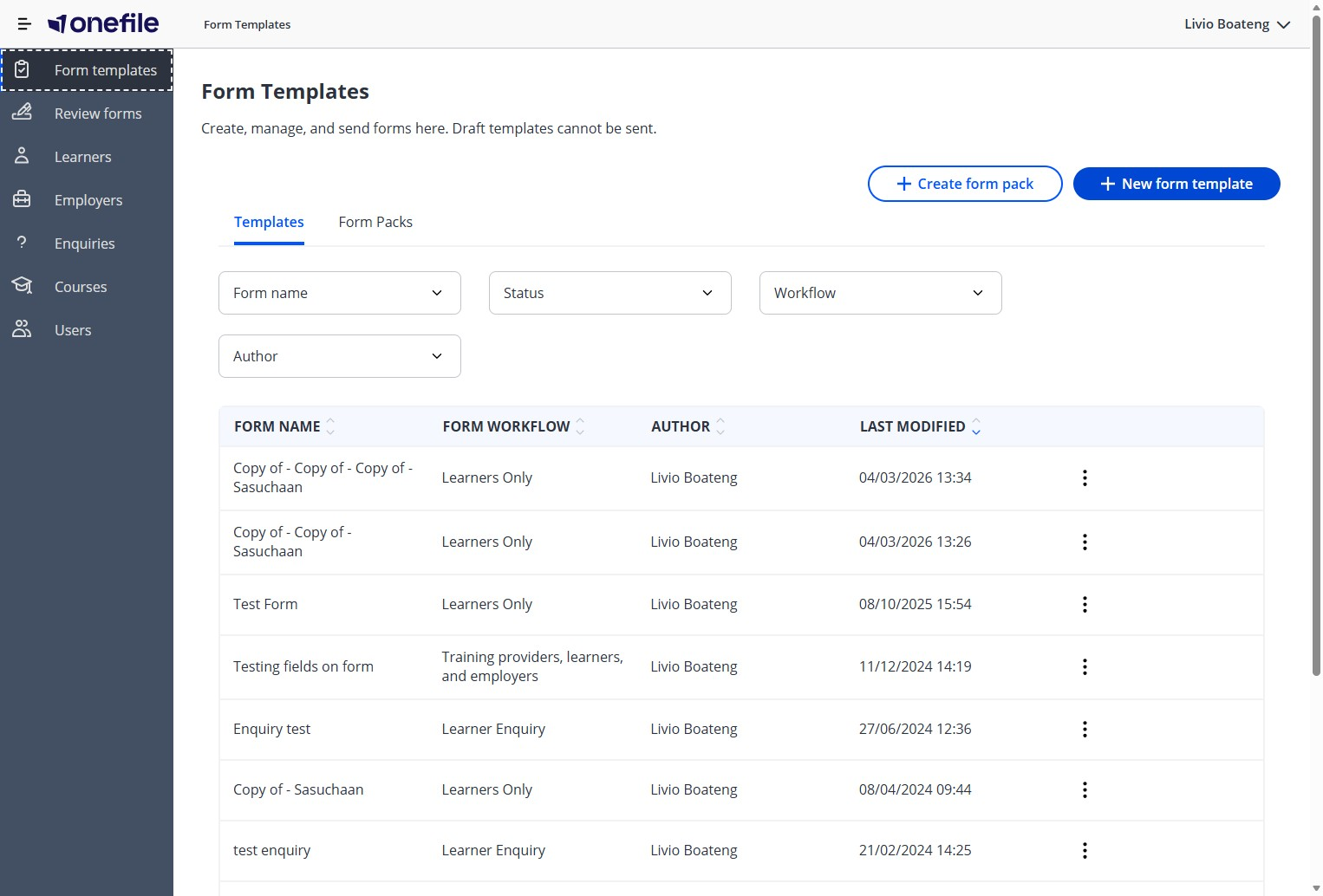
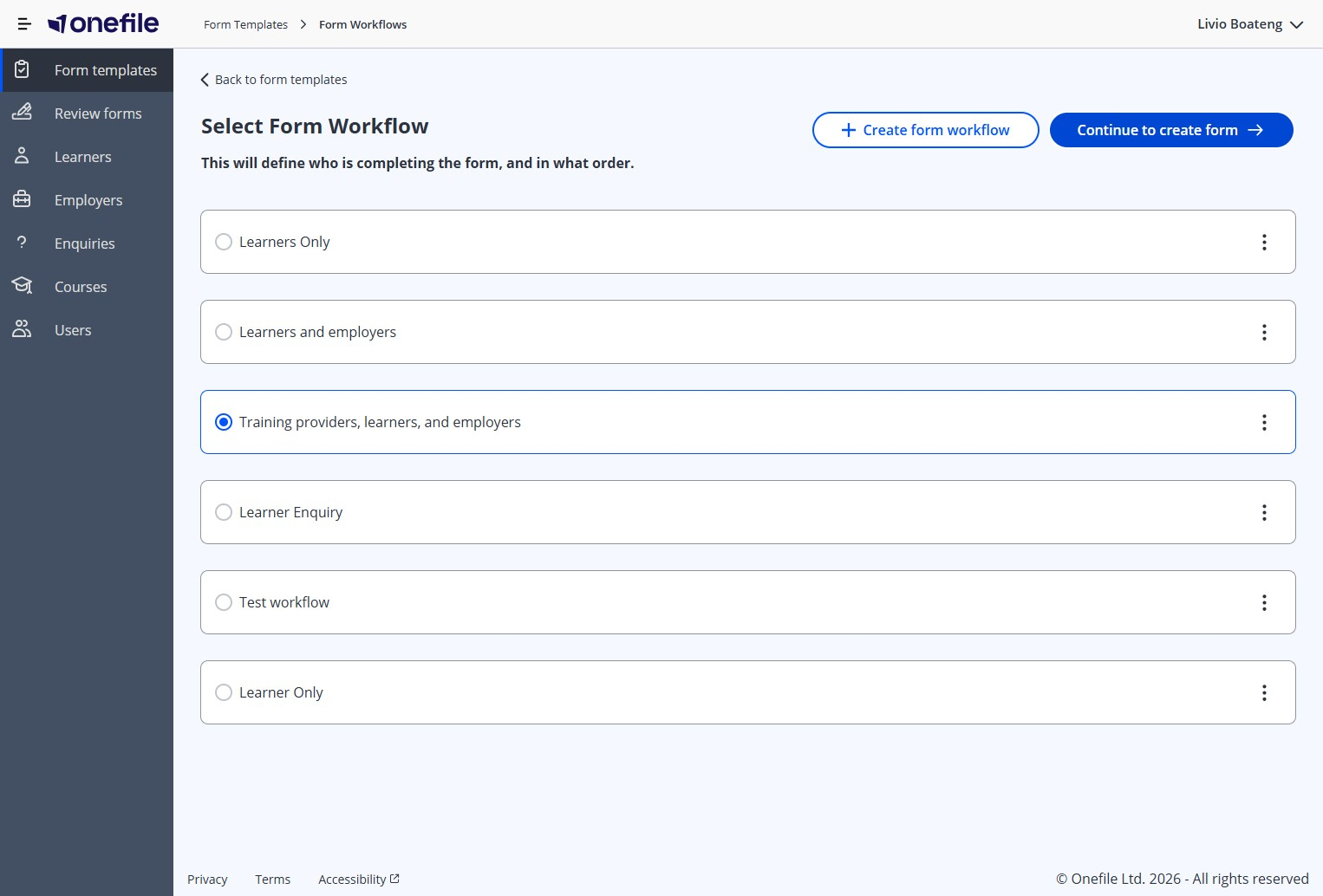
- Select Training providers, learners, and employers.
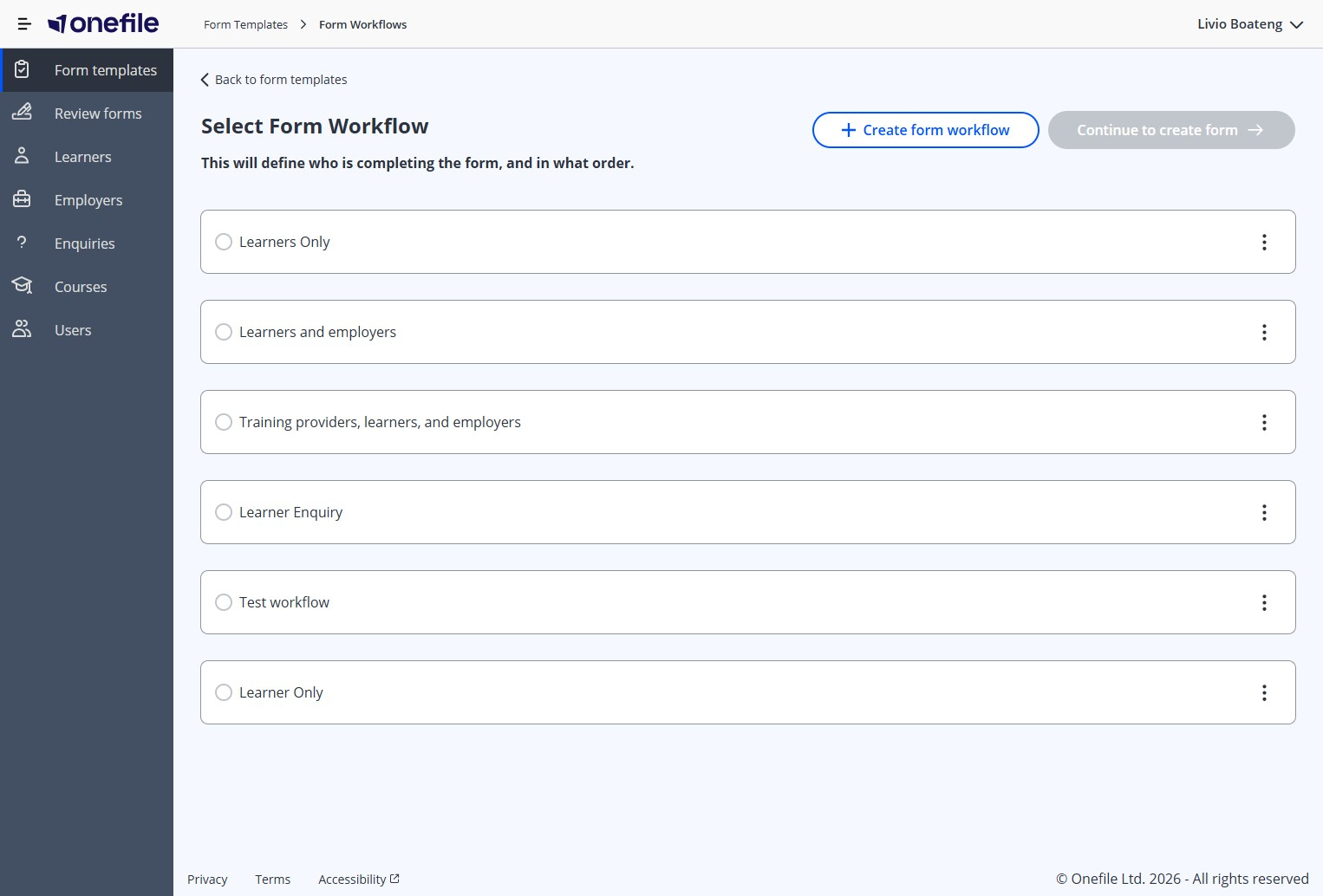
- Click Continue to create the form.
- Click into the Enter a Form Name field and give the form a title.
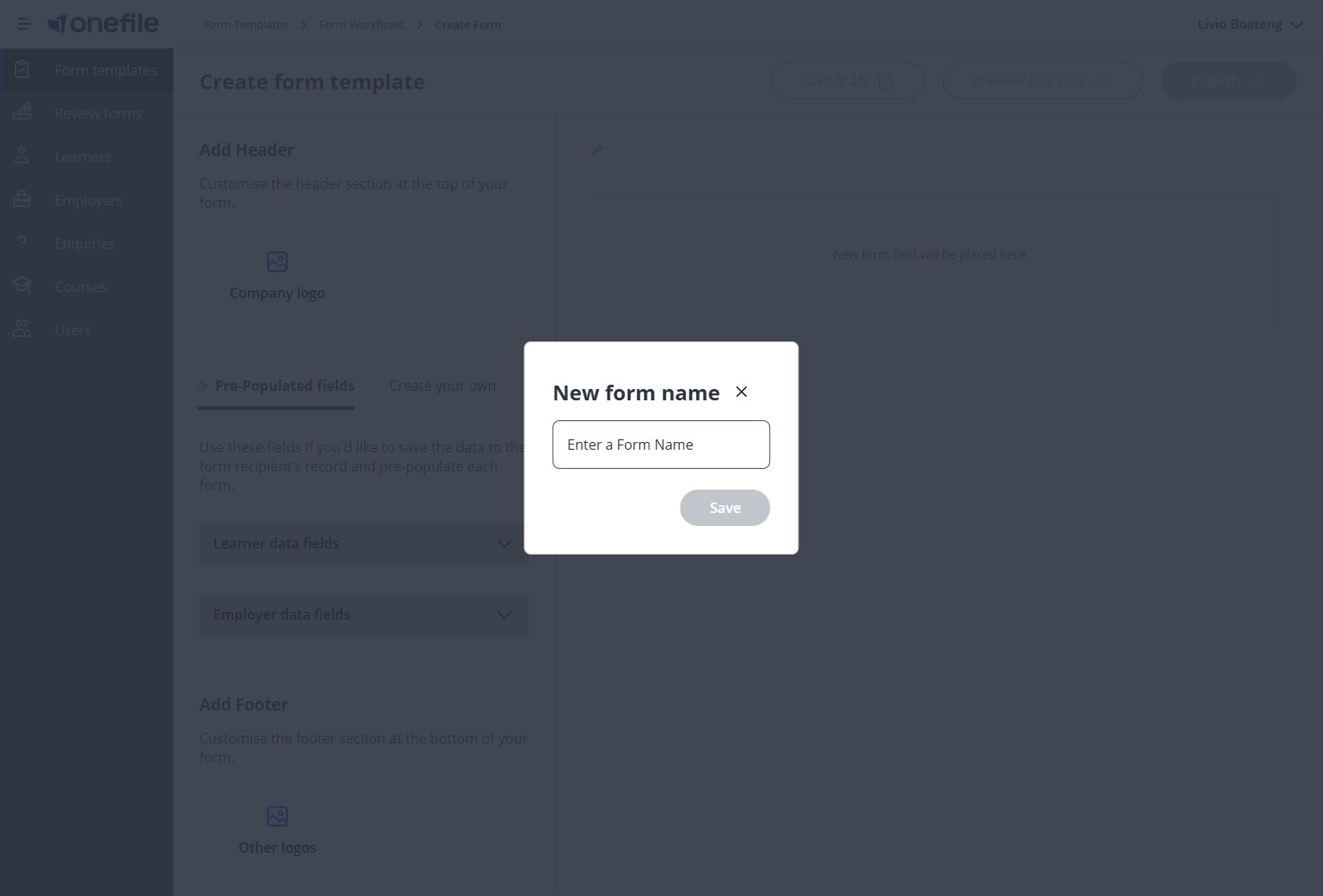
- Click Save.
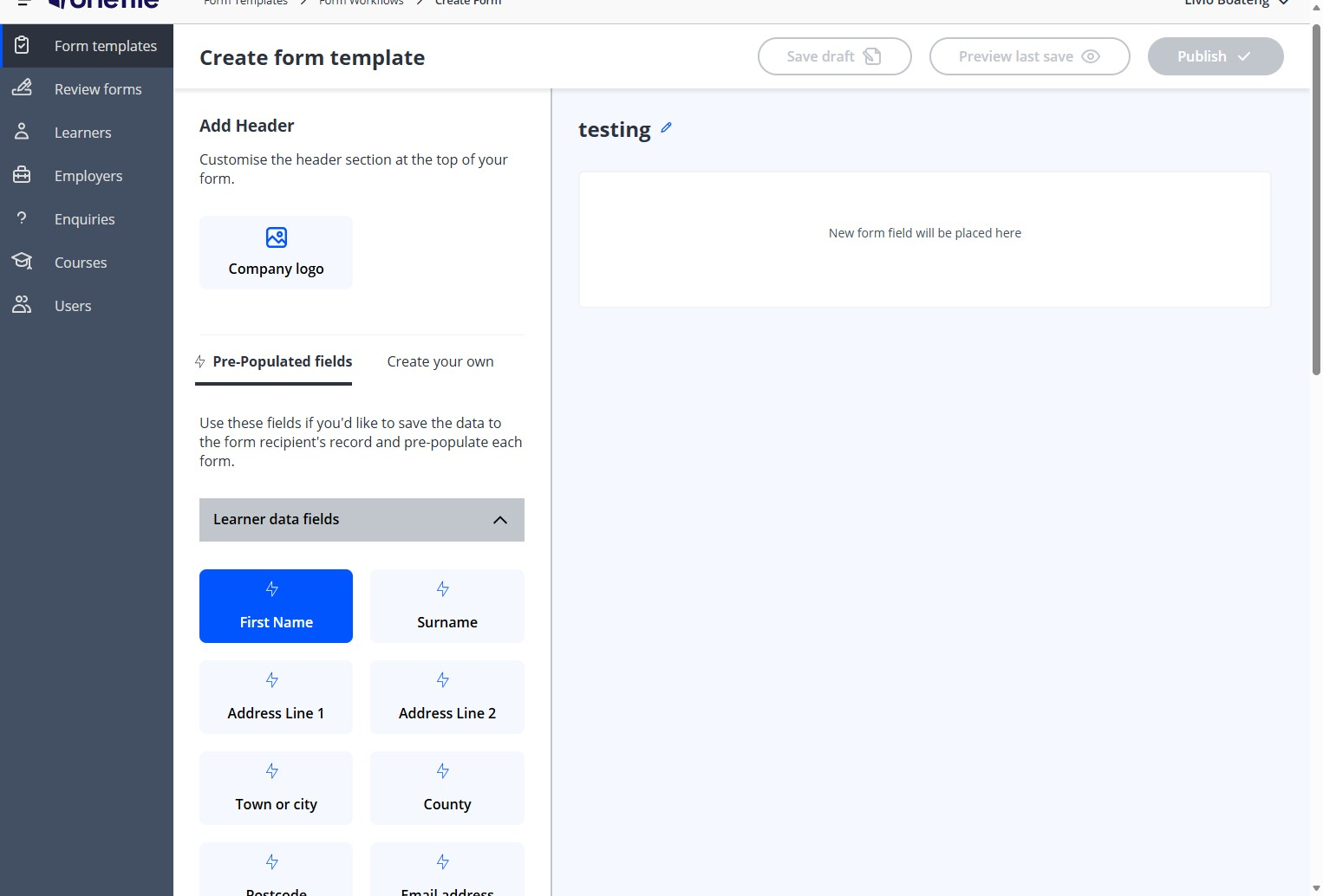
- Click Learner data fields.
- Click Form fields.
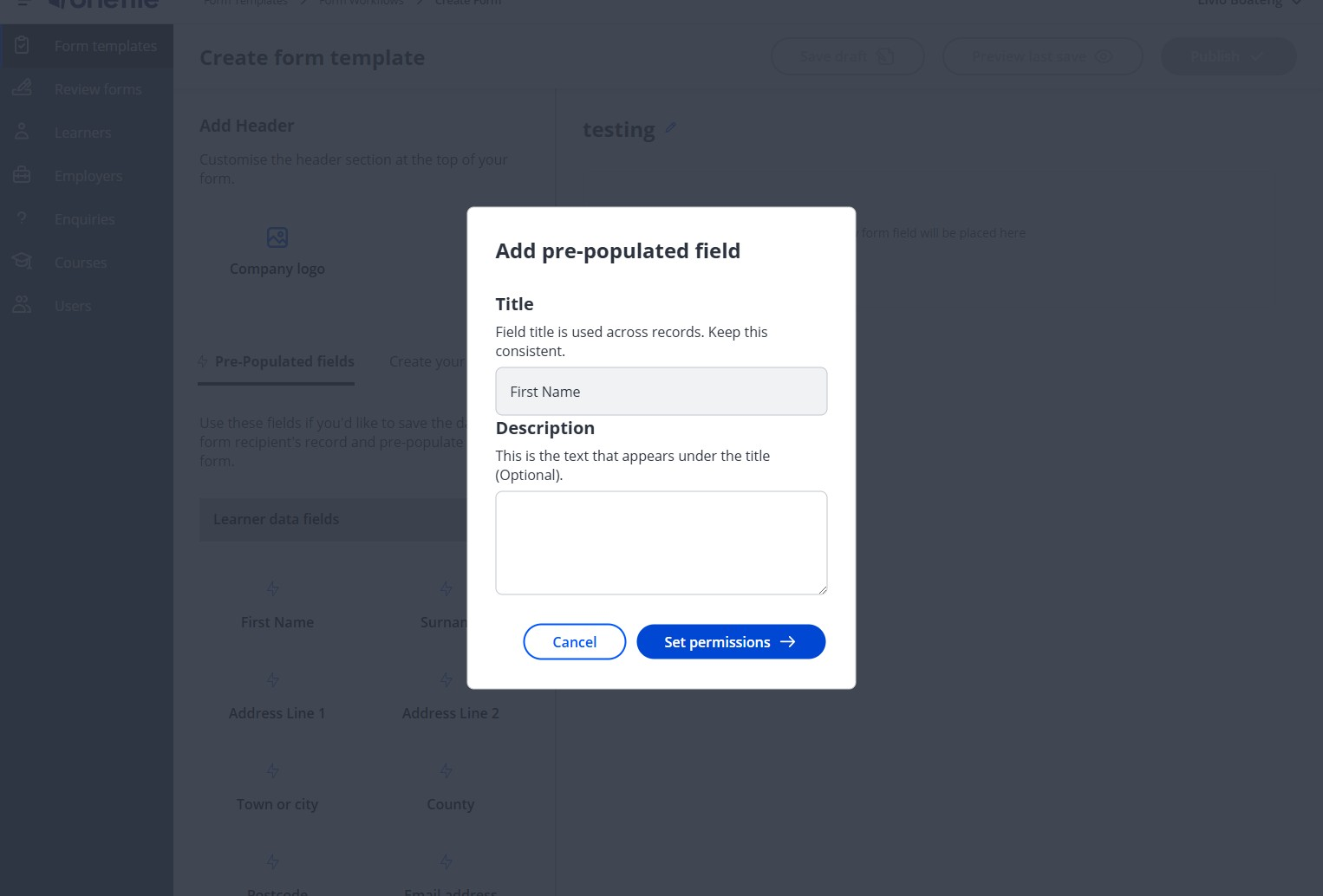
- Click Set permissions.
- Select the Training providers permission option.
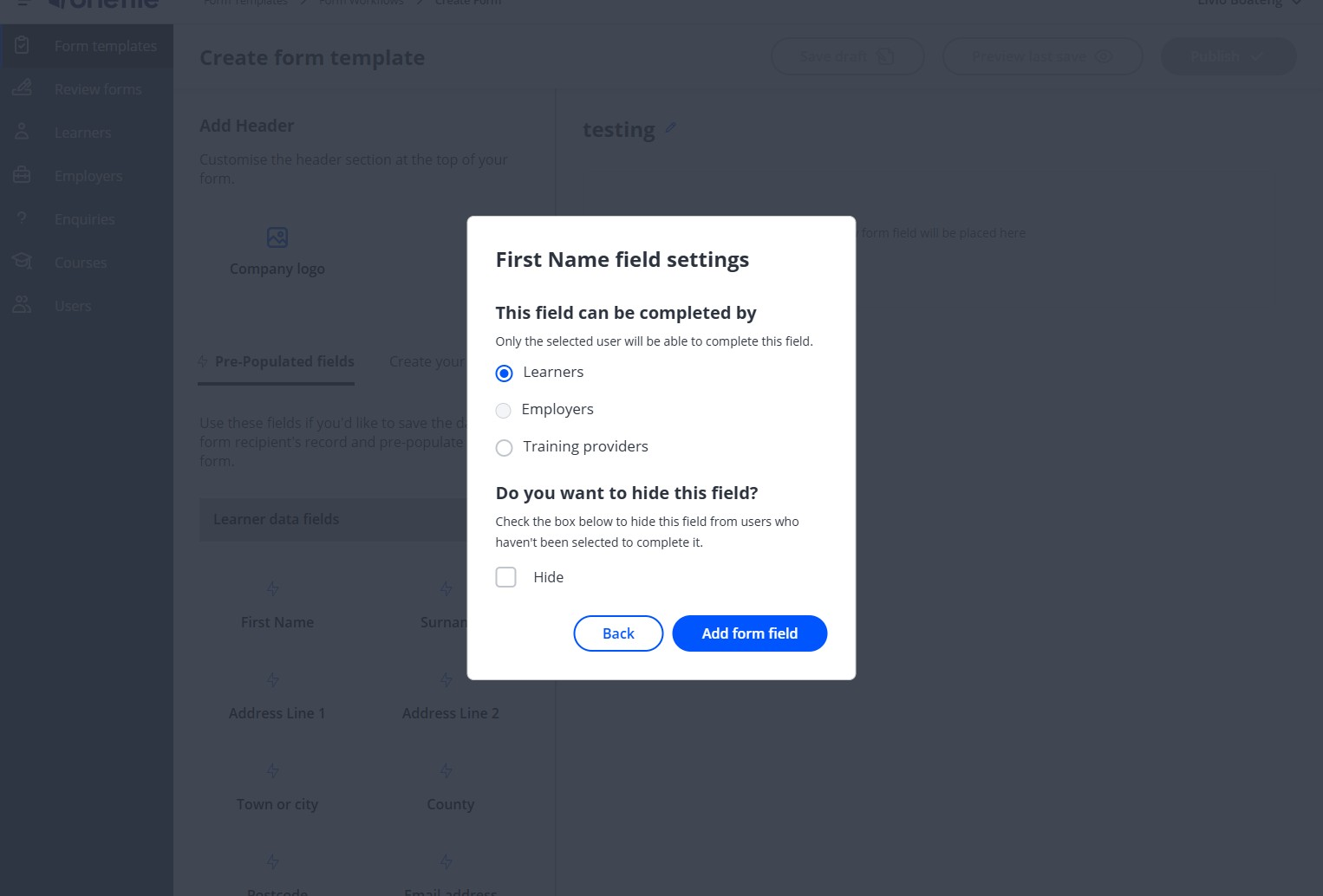
- Click Add form field.
After the form has been sent, the Training Provider will complete the first section before the form is passed on to the learner.
Tips & Notes
- You can adjust permissions on each field individually to control the form flow.
- Ensure all required Training Provider fields are added before sending the form.
Terminology
The terminology used in this article may differ depending on your Centre’s configuration.
Related Articles
Need Help?
If you need assistance, please contact Onefile Support or your internal support team.